
Website maintenance
Website Image Optimization for Image-Heavy Service Sites
Learn how to compress, format, and lazy load portfolio pictures without losing sharpness or slowing down your service business website page speed.

Service businesses rely heavily on visual proof. Contractors, interior designers, landscapers, and event planners need clear portfolio photos to win prospective clients. When a visitor lands on your page, your work should look sharp and load instantly.
Unfortunately, high-resolution photos often bring page speed to a crawl. Large image files drag down load times, ruin mobile user experiences, and harm search engine rankings. Effective website image optimization lets you showcase your work in crisp detail without sacrificing speed.
Why Large Image Files Slow Down Service Websites
Images make up the majority of file weight on the average web page. When you upload uncompressed camera photos straight to your website server, each image can easily exceed five megabytes. A portfolio gallery with ten high-resolution photos will force a smartphone user to download fifty megabytes of data just to view a single page.
This loading delay creates friction for potential clients. If a page takes more than a few seconds to display, many visitors simply abandon the site and call a competitor instead. Heavy files also degrade your Core Web Vitals performance metrics, which directly influences how search engines rank your business.
The solution is not to remove your project photos. Visual proof builds trust and converts visitors into leads. The goal is to deliver those high-quality photos efficiently so your site remains responsive across all devices.
Modern Image Formats: Moving Beyond JPEG and PNG
For decades, traditional JPEG and PNG formats dominated the web. JPEGs handled complex photographs well, while PNGs handled graphic elements requiring transparency. Today, newer next-generation formats provide vastly superior compression without visible visual loss.
WebP is currently supported by all modern web browsers. It produces files that are roughly 25 to 35 percent smaller than equivalent JPEG images while maintaining sharp details. AVIF is an even newer format that offers even greater file size reductions for complex photography.
Converting your portfolio photography to WebP or AVIF formats before publishing is one of the quickest ways to lighten your site. Most modern content management systems offer built-in conversion tools or plugins that automatically generate WebP versions upon upload. Keep your original raw files backed up on local drives, but serve modern web formats to your visitors.

Sizing Images Correctly Before Uploading
Compression alters how data is stored inside the file, but dimensions dictate how many physical pixels the web browser must render. Uploading a 4000-pixel wide photograph to display in a 600-pixel wide gallery box wastes immense amounts of processing power.
Always resize your photos to match the maximum width required by your website layout. Full-width hero background images rarely need to exceed 1920 pixels in width. Grid thumbnails, project cards, and bio photos often require widths of only 600 to 1000 pixels.
Using responsive code techniques allows your site to serve different image dimensions based on screen size. The HTML srcset attribute informs the browser which file size to fetch for mobile phones, tablets, or desktop monitors. Mobile users receive small, lightweight files, while desktop users see larger crisp images.
Implementing Lazy Loading Without Layout Shifts
Lazy loading delays the download of images until the user actually scrolls down to view them. Instead of requesting twenty portfolio photos immediately when the page loads, the browser fetches only the two or three photos visible in the initial viewport.
Native lazy loading is simple to use. Adding loading="lazy" to your image tags instructs browser engines to prioritize visible content. This simple addition saves huge amounts of cellular data for users who leave your page before reaching the footer.
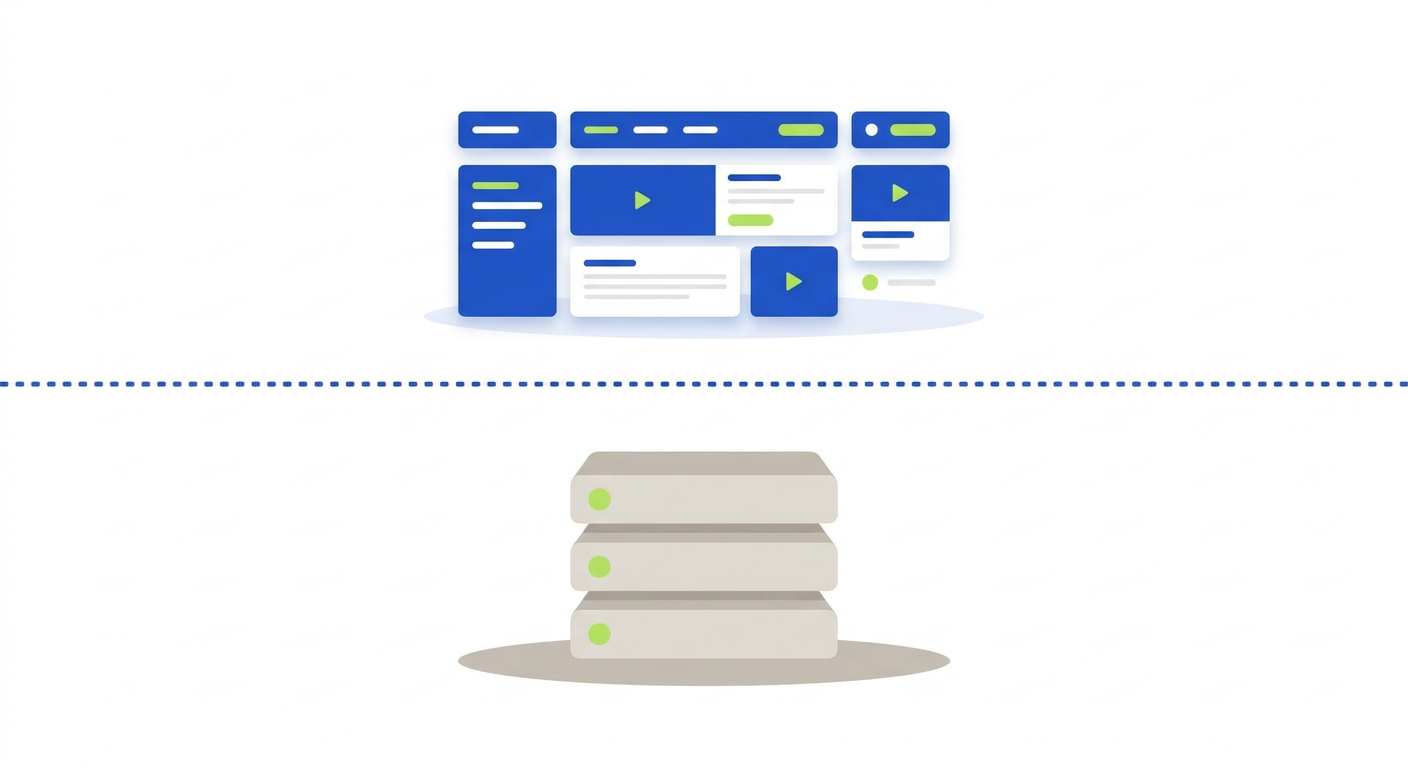
Lazy loading must be combined with reserved spatial dimensions to prevent Cumulative Layout Shift (CLS). If an off-screen image loads late without predefined height and width dimensions, nearby text and buttons jump around on screen. Always declare explicit width and height attributes in your image code so the browser reserves space beforehand.
Avoid lazy loading your primary hero image located above the fold. The main image at the top of your homepage should load immediately so visitors see your core branding right away without waiting.
Accessibility and Image Optimization Work Together
Proper image management is essential for WCAG accessibility compliance. A high-performing website must be functional, fast, and usable for people with disabilities.
Every informative portfolio photo requires clear, descriptive alt text. Text descriptions allow screen readers to describe your completed projects to visually impaired visitors. Alt text also appears on screen if a poor network connection prevents an image file from downloading.
Decorative visual elements, such as background graphics or color blocks, should use an empty alt attribute (alt="") so assistive technology skips them. Pairing concise text descriptions with lightweight files and stable aspect ratios creates an inclusive experience for every user.
A Practical Image Optimization Routine
Building website image optimization into your regular maintenance routine ensures your site stays fast as your portfolio grows over time. Follow these practical steps whenever you add new project photography to your service site:
- Resize raw camera files to their maximum display width before upload.
- Convert image files to WebP or AVIF formats for maximum compression.
- Compress photos using automated tools to remove unnecessary file data.
- Add explicit width and height dimensions to image tags to stop layout shifts.
- Apply the loading="lazy" attribute to all photos below the initial screen section.
- Write clear, descriptive alt text for every informative photo in your gallery.
A fast website protects your reputation, improves user experience, and helps turn site visitors into paying clients. If your portfolio page feels slow or you want an expert audit of your site performance, Twist Web Studio is here to help you build a clean, accessible website.