
Accessibility
Accessibility in Web Design: Why Inclusive Websites Are the Future
The internet has become an essential part of everyday life. From shopping and banking to learning and communication, websites play a central role in how people interact with businesses and services. But for millions…
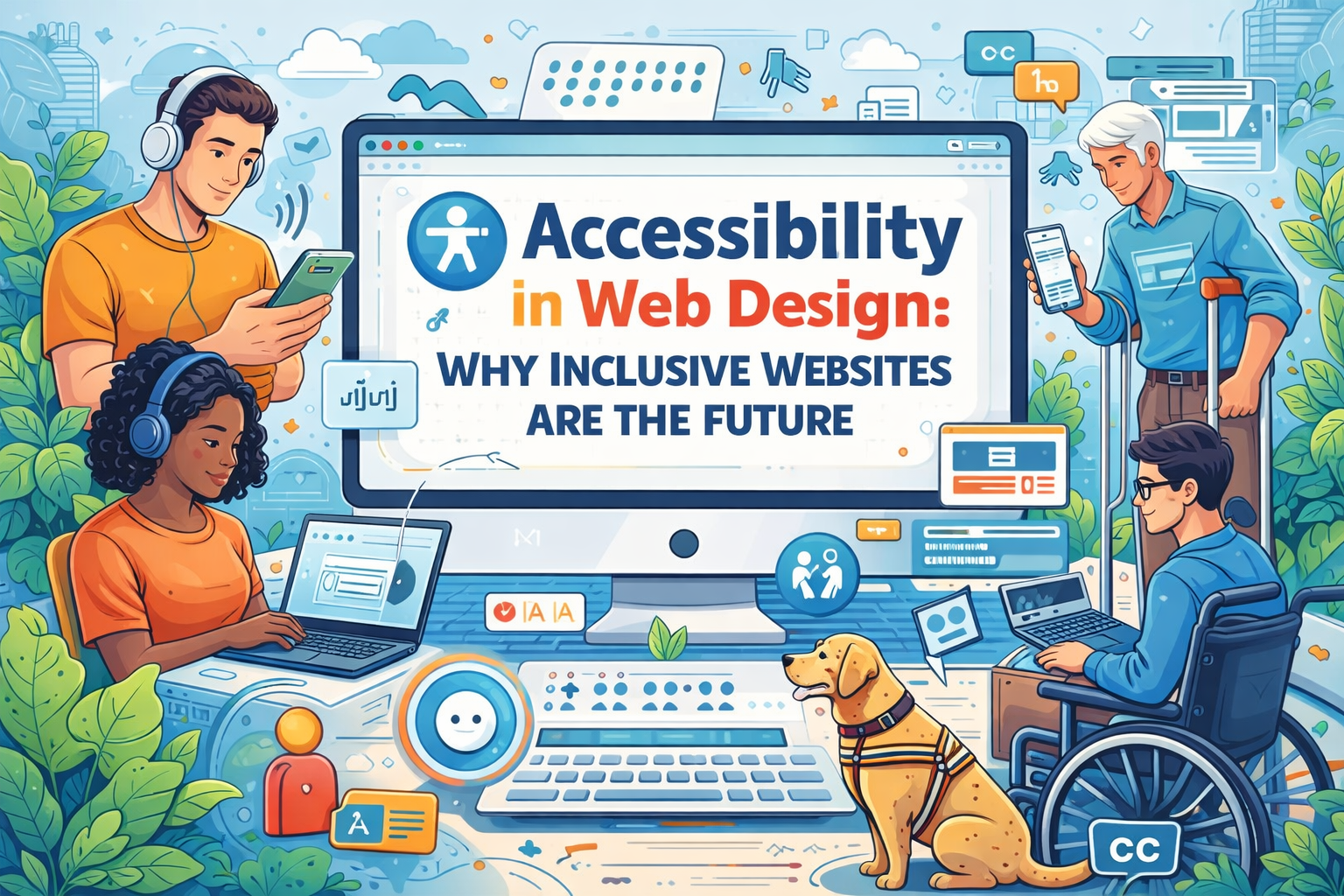
Web accessibility focuses on creating digital experiences that everyone can use, including people with disabilities. Whether someone relies on screen readers, keyboard navigation, voice commands, or other assistive technologies, accessible websites ensure that all users can interact with online content effectively.
For businesses and web designers, accessibility is becoming increasingly important. Inclusive websites not only help people with disabilities but also improve overall user experience, increase audience reach, and strengthen brand reputation.
As digital expectations evolve, accessibility is no longer just a best practice, it is becoming a fundamental part of modern web design.
What Is Web Accessibility?
Web accessibility refers to designing and developing websites in ways that allow people of all abilities to access and interact with digital content. This includes users with visual, auditory, cognitive, and motor impairments.
Accessible websites remove barriers that might prevent users from navigating pages, reading content, or interacting with features.
Accessibility is closely related to the concept of inclusive design , which focuses on creating digital experiences that work for the widest possible range of users. Rather than designing for an average user, inclusive design considers diverse needs and ensures that websites remain usable in different circumstances.
For example, accessible design might include features such as:
- Text alternatives for images
- Keyboard-friendly navigation
- Clear content structure
- Adjustable text sizes
- Video captions and transcripts
These features make websites easier to use for people with disabilities while also improving usability for all visitors.
Why Accessibility Matters for Businesses
Accessibility is not only about social responsibility, it also provides meaningful business benefits.
Millions of people rely on accessible websites to interact with digital services. When websites are designed without accessibility in mind, businesses may unintentionally exclude large portions of potential customers.
Creating accessible websites allows organizations to reach broader audiences and ensure that everyone can interact with their brand online.
Some key business benefits of accessibility include:
- Expanding audience reach
- Improving user satisfaction
- Strengthening brand credibility
- Supporting ethical and inclusive practices
Businesses that demonstrate a commitment to accessibility often build stronger relationships with customers who value inclusive and responsible brands.
Accessibility and User Experience
Many accessibility improvements also enhance overall user experience. Design elements that help people with disabilities often make websites easier and more intuitive for everyone.
For example, accessible websites typically feature:
- Clear and consistent navigation
- Readable typography
- Logical content structure
- Simple and intuitive layouts
These design choices reduce confusion and help visitors find information quickly.
Accessibility also supports users who may be browsing websites under challenging conditions, such as using mobile devices in bright sunlight or navigating websites with limited internet connections.
By focusing on accessibility, designers often create digital experiences that feel smoother and more user-friendly for all audiences.
Accessibility and Search Engine Optimization
Accessibility and search engine optimization (SEO) share many common principles. Websites that follow accessibility best practices often perform better in search engine rankings because they provide clearer structure and more understandable content.
Accessibility features that support SEO include:
- Proper heading structures
- Descriptive alt text for images
- Clear navigation menus
- Meaningful link descriptions
These elements help search engines understand the content and organization of a website, making it easier for pages to appear in relevant search results.
As search algorithms continue prioritizing user experience, accessibility is becoming an increasingly important component of strong SEO strategies.
Key Principles of Accessible Web Design
Accessible websites are typically built around four key principles that guide inclusive digital experiences.
Perceivable Content
Information should be presented in ways that users can perceive. This means providing alternatives for visual or auditory content so that users can access information through multiple formats.
Examples include alt text for images and captions for videos.
Operable Interfaces
Users must be able to navigate and interact with the website regardless of how they access it. This includes ensuring that all features are accessible through keyboard navigation and assistive technologies.
Understandable Design
Content and navigation should be clear, predictable, and easy to understand. Users should not have to guess how to interact with the website.
Consistent layouts and simple language help improve usability.
Robust Technology
Websites should work reliably across different browsers, devices, and assistive technologies. Ensuring compatibility allows users to access content using a wide range of tools.
Common Accessibility Features
Accessible websites incorporate a variety of features that help users interact with content more effectively.
Some of the most common accessibility features include:
- Alternative text descriptions for images
- Keyboard navigation support
- High color contrast between text and background
- Captions or transcripts for video and audio content
- Clear headings and structured layouts
These features make it easier for assistive technologies such as screen readers to interpret website content and present it to users.
Even small accessibility improvements can significantly improve usability for many visitors.
Accessibility Tools and Technologies
Designers and developers have access to a growing number of tools that help identify accessibility issues and improve website usability.
These tools can analyze web pages and highlight potential barriers that may prevent users from accessing content.
Examples of accessibility tools include:
- Screen reader testing software
- Automated accessibility auditing platforms
- color contrast analyzers
- keyboard navigation testing tools
Using these tools during the design and development process helps ensure that accessibility considerations are addressed early rather than after a website launches.
Accessibility Regulations and Guidelines
Accessibility is also becoming an important legal and regulatory consideration. Many countries have adopted digital accessibility standards that organizations are expected to follow.
One of the most widely recognized frameworks is the Web Content Accessibility Guidelines (WCAG) , which provide detailed recommendations for building accessible websites.
These guidelines outline best practices for ensuring that digital content is perceivable, operable, understandable, and robust.
In some regions, businesses must also consider accessibility requirements related to disability rights laws. Following established accessibility guidelines helps organizations reduce potential risks while improving user experience.
The Future of Inclusive Web Design
As digital experiences continue evolving, accessibility will play an even greater role in how websites are designed.
Emerging technologies such as artificial intelligence, voice interfaces, and adaptive user interfaces are creating new opportunities to improve accessibility.
Future websites may include features such as:
- Voice-controlled navigation
- AI-powered accessibility adjustments
- adaptive layouts that respond to user needs
- personalized accessibility settings
These innovations will help ensure that digital experiences remain inclusive and accessible for a growing and diverse global audience.
How Businesses Can Improve Website Accessibility
Improving website accessibility does not always require major redesigns. Many improvements can be implemented through thoughtful design decisions and ongoing evaluation.
Businesses can begin improving accessibility by:
- Conducting accessibility audits to identify barriers
- Improving navigation and content structure
- Adding alt text descriptions to images
- Ensuring keyboard-friendly navigation
- Testing websites using assistive technologies
Accessibility should be considered throughout the design process rather than treated as an afterthought.
By integrating accessibility into website strategy, businesses can create more inclusive digital experiences that serve a wider audience.
Conclusion
Accessibility in web design is becoming an essential component of modern digital experiences. Inclusive websites ensure that people of all abilities can interact with online content, services, and information.
For businesses and web designers, prioritizing accessibility offers both ethical and strategic advantages. Accessible websites expand audience reach, improve user experience, and strengthen brand reputation.
As technology continues advancing and digital services become even more central to everyday life, inclusive design will play an increasingly important role in shaping the future of the web.
Organizations that invest in accessibility today will be better positioned to create digital experiences that truly work for everyone.
Frequently Asked Questions
What is web accessibility?
Web accessibility refers to designing websites so that people with disabilities can access and interact with digital content effectively using assistive technologies.
Why is accessibility important for websites?
Accessible websites allow businesses to reach broader audiences, improve usability, and ensure that digital content is available to all users.
Does accessibility improve SEO?
Yes. Many accessibility practices, such as structured headings, descriptive alt text, and clear navigation, also improve search engine visibility.
What are examples of accessibility features?
Common features include keyboard navigation, screen reader compatibility, captions for videos, alt text for images, and strong color contrast.