
Digital accessibility
Video Captions Accessibility: Reach More Users and Boost SEO
Captions and transcripts make your video content accessible to Deaf viewers, mobile users, and search engines. Learn how to build an easy workflow for your website
Video is one of the most effective ways to share information on a modern website. It builds trust, demonstrates complex services, and gives your brand a clear human voice. However, millions of website visitors are completely left out when video content relies entirely on spoken audio without text options.
Prioritizing video captions accessibility is not just about ticking a legal compliance box. It represents a fundamental commitment to inclusive communication for every visitor. Captions and transcripts ensure Deaf and hard of hearing individuals can fully engage with your media. At the same time, accessible video creates significant secondary benefits for search engine rankings, mobile user experience, and content repurposing.
Why Captions Matter for Deaf and Hard of Hearing Viewers
For Deaf and hard of hearing users, a video without accurate captions presents an immediate digital barrier. While automated captions built into popular video platforms have improved in recent years, they are rarely reliable on their own. Automated systems regularly mishear industry jargon, scramble technical terms, misidentify speakers, and ignore essential sound effects.
When captions are inaccurate or missing, viewers must constantly guess the missing context. This experience creates friction, causes misunderstanding, and leads visitors to leave your site entirely. WCAG 2.2 AA guidelines state that synchronized captions must be accurate, complete, and synchronized with the audio track for all prerecorded media.

Accurate captions provide equality of access. They convey spoken dialogue, indicate who is speaking, and describe important environmental sounds such as applause, background laughter, or alarm chimes. When you provide clean captions, you demonstrate genuine respect for your audience while delivering your content clearly to every user.
The Unspoken SEO Power of Video Transcripts
Search engine crawlers are powerful, but they cannot watch or listen to a video file directly. Crawlers depend on text to analyze, understand, and index web content. When you publish a video without text alternatives, search engines only see an embedded iframe or media player with minimal surrounding text.
Adding a full text transcript directly on the web page solves this problem completely. A typical five minute video contains between six hundred and one thousand spoken words. Converting that spoken dialogue into plain web text gives search engines rich, relevant content to index.
Closed caption files, such as WebVTT documents, also offer structured data that media players and search engines can parse easily. Using both closed captions inside the video player and a full text transcript on the page creates a dual advantage. Search engine bots can crawl your key topics, while users can read along or scan text for specific information quickly.
Reaching Audiences in Silent Environments
User habits around online video have changed dramatically across all demographics. A significant portion of web video is now consumed on mobile devices in public or noise sensitive environments. People routinely watch videos while commuting on public transit, waiting in offices, standing in line, or relaxing late at night.
In these situations, users frequently keep their device volume muted. If your video lacks captions, these visitors will simply scroll past your content without watching. Clear, readable captions enable viewers to understand your message without turning on their speakers.
Captions keep visitors engaged longer, which increases average time on page and lowers bounce rates. Search engines monitor these engagement metrics as indicators of page quality. By accommodating silent viewers, you directly support your overall site performance and visibility.
Building an Efficient Media Accessibility Workflow
Integrating accessibility into your media production workflow does not need to be complicated, stressful, or expensive. Establishing a standardized routine makes video captions accessibility a seamless part of content creation rather than a delayed, stressful correction.
- Write or export a clear script before recording to serve as your text foundation.
- Run speech to text tools to produce an initial draft caption file for unscripted recordings.
- Review and edit the draft manually to fix names, specialized terms, and punctuation.
- Insert speaker identifiers and key ambient sound descriptions in square brackets.
- Export the final captions in WebVTT format for maximum browser compatibility.
- Publish a clean text transcript directly beneath the embedded video player on your web page.
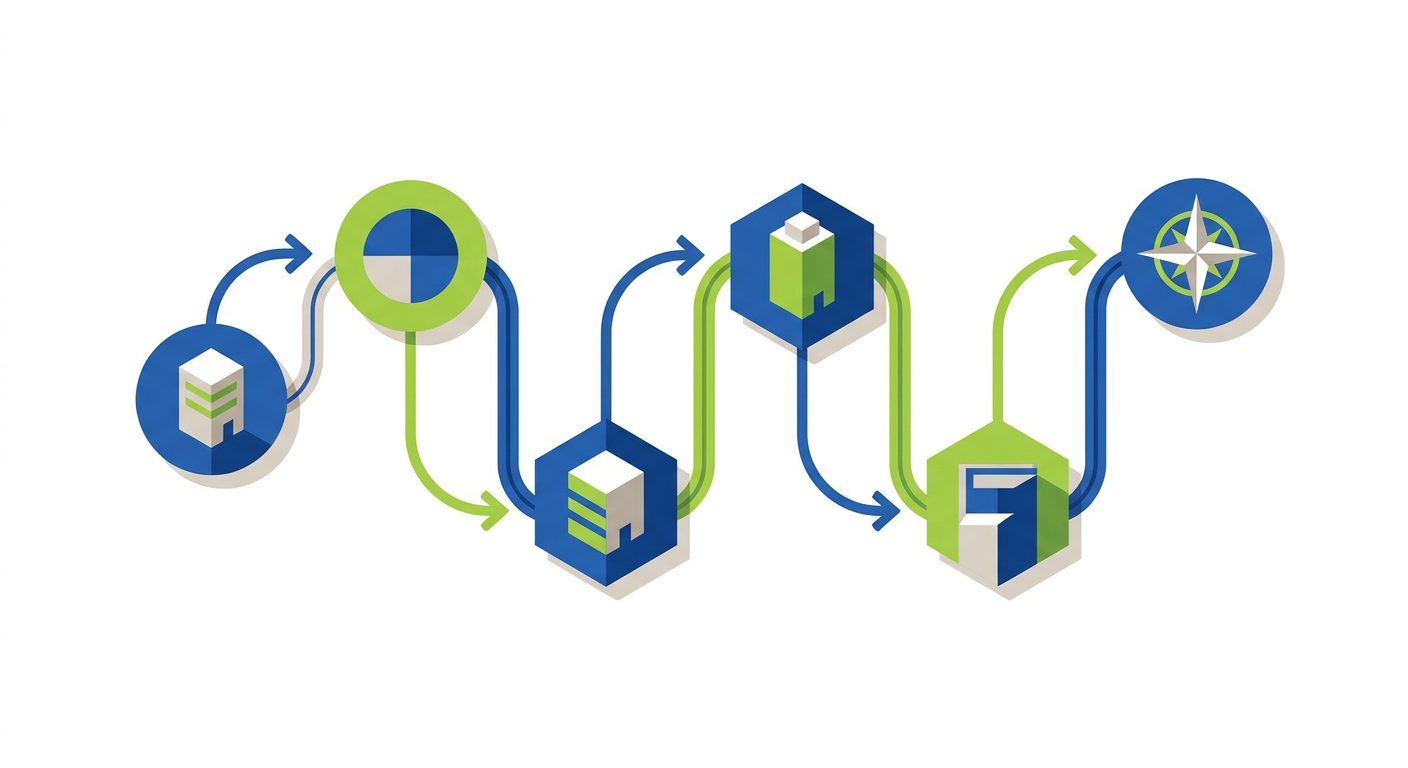
Standardizing these steps across your team prevents last minute rushes before launch. It ensures every piece of media published on your site meets WCAG standards from the moment it goes live.
Key Technical and Design Requirements for Captions
Delivering accessible video requires careful attention to both software choices and visual design. Web video players must support standard text track elements and allow users to toggle captions on or off easily.
Text contrast and readability are critical for visual captions. Captions must feature strong color contrast between text and background boxes so they remain readable over bright or moving video scenes. Viewers should also have options to adjust font sizes or customize text presentation within modern video players.
Keyboard accessibility is equally important for any web video player. Users must be able to control play, pause, volume, seek controls, and caption toggles using standard keyboard shortcuts without getting trapped. Assistive technologies like screen readers should also receive immediate status updates when media state changes occur.
Making Media Accessibility Part of Your Web Strategy
Captioning and transcripts are essential components of modern web design. They connect your organization with Deaf and hard of hearing audiences, serve users in quiet environments, and provide valuable text for search engines.
Designing accessible digital media requires thoughtful planning across design, code, and content creation. At Twist Web Studio, we build custom, inclusive websites that meet WCAG 2.2 AA standards while delivering clear business results. If you want to audit your media accessibility, improve your site SEO, or build an inclusive digital platform from the ground up, reach out to our Austin team today.